September 26, 2026
Chatbot Placement, Ticket References, and Fixes
Choose which side your chatbot appears on for each device, and include ticket references in email signatures and auto-replies.
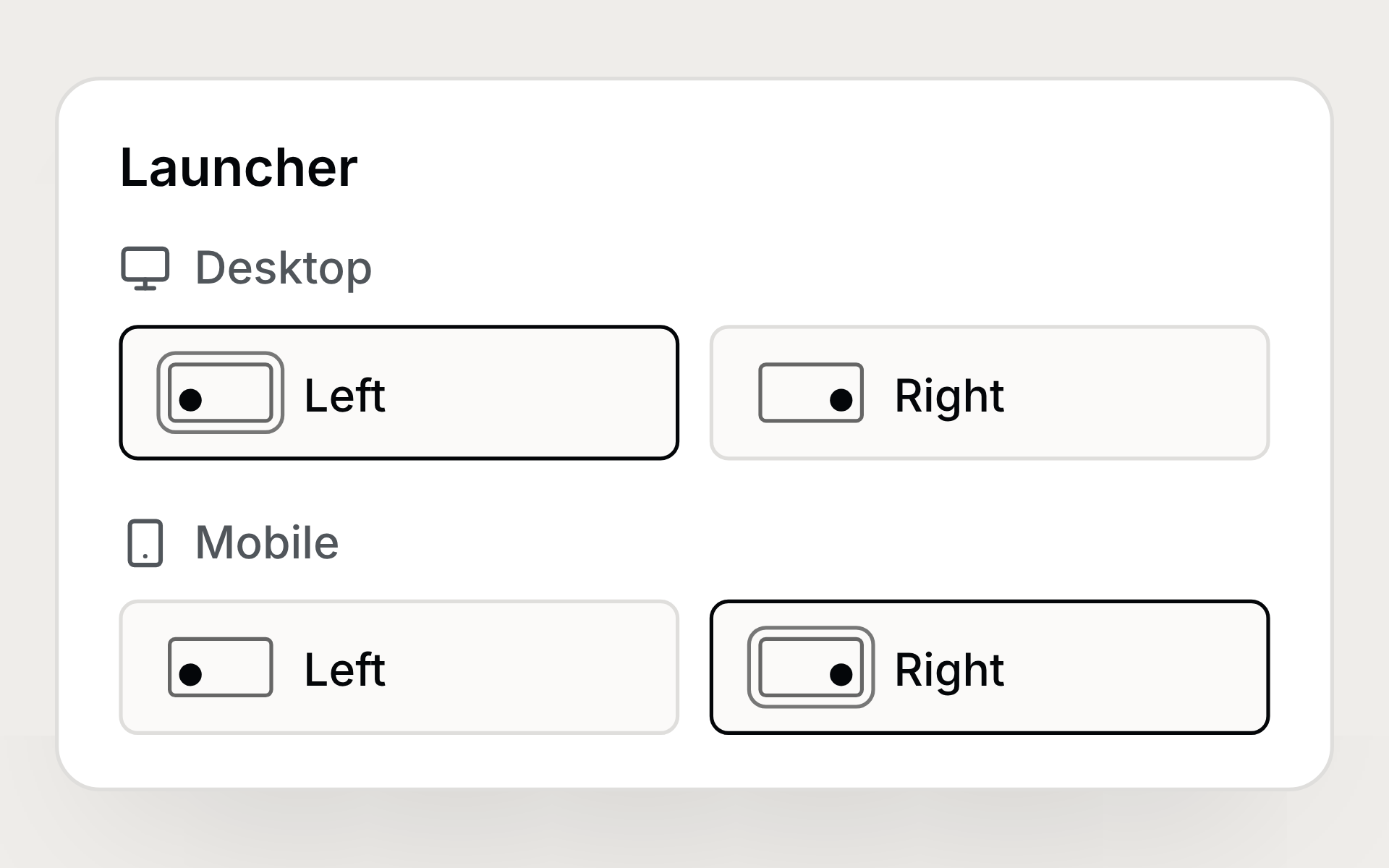
Choose your chatbot’s side#
Place your chatbot on the left or right, separately for desktop and mobile, to keep it clear of your shop's other buttons.
Ticket references in your emails#
Add the ticket reference to email signatures and auto-replies with one click. Each email fills in the right reference, including your team's prefix.
Fixes and improvements#
- Ticket numbers in macros now include your team’s prefix
- Memories in Settings now display formatted headings and lists
- Wilbot keeps the reasons behind memories and loads every available memory in full
- Stopping Wilbot or encountering an error keeps the work already shown in the chat
- Wilbot can continue long tasks without the previous call limits