CSAT for every team, a bigger chat, alma’s phone voice, and fixes
Every team now asks customers how it went after a ticket is resolved, shoppers can make the chat bigger on desktop, and you can pick the voice Alma speaks in on calls.
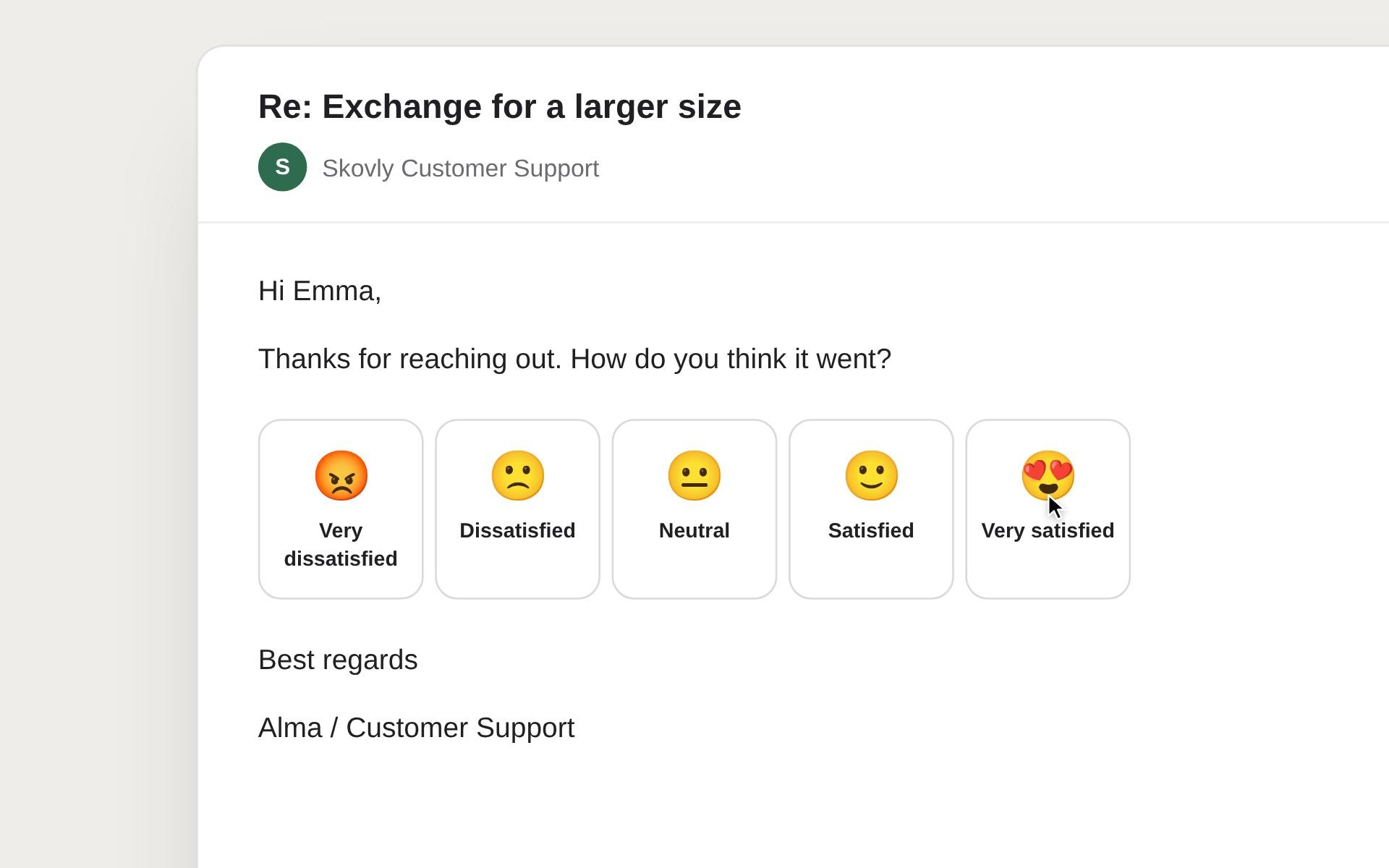
CSAT for every team
After a ticket is resolved, your customer now gets a short email with five faces to rate your help, signed like your reply. Every answer and comment shows in Analytics, and you can change the question or switch it off.
Make the chat bigger
On a desktop, shoppers can make your chat bigger with one click, or drag its top corner to the size they like. The X is now a minimize, because closing never ended the conversation.
Pick Alma’s phone voice
Choose one of six voices for Alma on your phone line, and hear your greeting in each before you pick. Firm is the voice she had until now.
Fixes and improvements
- While Wilbot works, you can send it another message: it reads it before its next step and carries on
- Filter tickets by CSAT score, by whether the survey was answered, and by whether it has a comment
- Wilbot can read your CSAT answers and their comments, and open the tickets behind them
- Choose faces, stars or numbers for your CSAT email, and send yourself a test first
- Tickets resolved in bulk, by Wilbot, by an automation, through the API or by an app never send a CSAT survey
- Give each automation a goal, and see the steps toward it counted before and after it went live
- Only send whole answers (Settings > Auto-reply): when Alma can solve only part of an email, she drafts the whole answer instead of sending half
- If your Autopilot signature was still the default, it now signs as Alma
- Before Alma recommends products from your product feed outside the chatbot, she checks with Shopify, so she leaves out products you deleted and knows which are sold out
- Alma finds recent DanDomain orders a customer placed as a guest, by their email, and Training simulations find them too
- A forwarded email now carries the files attached to it
- A picture dragged into an email now arrives inside the email, so mail clients that block linked pictures still show it
- In Customize, add a link to your privacy policy under the chat, and give each starting question an emoji
- In the chatbot settings, a tap anywhere on Questions, Name, Color, Icon or Shape opens it
- Every call now starts with your line’s welcome, before the recording question, Alma or your team
- Your phone line’s Setup now follows a call from start to finish, with its own field for Alma’s greeting when you’re closed
- What the caller hears in your phone settings now matches the real call
- Switch a colleague to Ready or Do not disturb straight from the Phone view, and its team pill counts only the people who answer the line
- Calling back a customer who is calling your line right now tells you to take their call instead of showing an unexplained error
- On a call, Alma waits for the caller’s line to go quiet before she goes on, so she restarts the same sentence far less often
- On a call, when a caller keeps talking after a pause, Alma gives one short acknowledgement for all of it, not two in a row
- On a call, Alma waits up to 12 seconds instead of 5 for an answer from your shop’s own connected system
- Opening many tickets in tabs no longer floods the inbox with reads, which could stop it loading for minutes
How much of your inboxcan Alma take?
See what you can automate and save. Or book a demo
- Data stored in the EU
- GDPR
- DPA included
- AI models never train on your data
- Trust and sub-processors